Engineering Lab Note: Non-Blocking Image Compression with OffscreenCanvas | TiltStack

Engineering Lab Note #05: The Parallel Compression Engine
In my 14 years of moving bits around, I’ve seen countless image compression "solutions" that are either bloated 50MB desktop apps or sketchy server-side utilities masquerading as tools. The server-side approach is particularly frustrating: you have a high-performance CPU sitting right in your laptop, but you’re uploading a 7MB original just to get a 300KB result back—eating your bandwidth and potentially volunteering your original assets to a third-party server's training data.
Until recently, browser-based compression was a joke. It would lock up the main thread, freeze the browser, and often crash on anything larger than a profile picture.
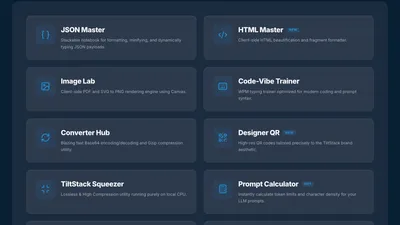
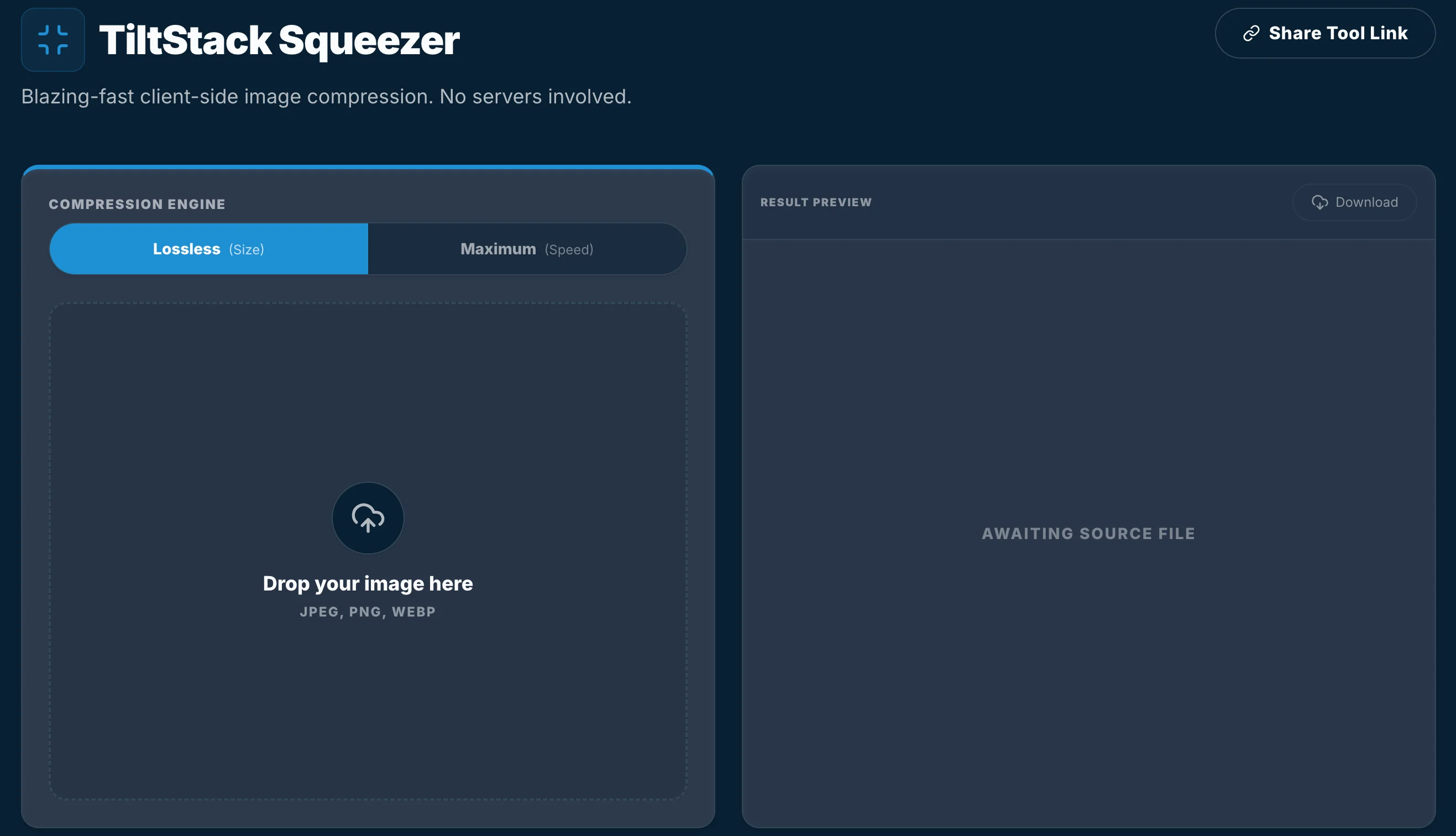
When we built the TiltStack Squeezer, we threw out the standard approach. We built a Multi-Threaded Parallel Engine that leverages Web Workers and the OffscreenCanvas API to compress images at native speeds, 100% locally.
The Main-Thread Crisis
JavaScript is single-threaded. If you try to perform a heavy image transformation—like resizing a 4K texture or calculating a complex compression matrix—the browser's main thread is blocked. This means the user can't scroll, the animations freeze, and the browser displays the dreaded "Page Unresponsive" warning.
The DevSuite architecture solves this by offloading every single compression task to a separate worker thread. A worker doesn't have access to the DOM, but it does have access to the CPU.
OffscreenCanvas: The New Secret Weapon
For years, Web Workers were crippled for image processing because they couldn't touch a <canvas> element. You had to send the raw pixel data back and forth between the main thread and the worker, which was often slower than just running the compression on the main thread.
The OffscreenCanvas API changed everything. It allows us to "transfer" the canvas control to a worker thread. In the TiltStack Squeezer, we use ImageBitmap to feed the image data into an OffscreenCanvas living inside a worker.
// Initializing a worker with a Canvas proxy
const worker = new Worker('squeezer-worker.js');
const canvas = document.createElement('canvas');
const offscreen = canvas.transferControlToOffscreen();

// Send it to the worker
worker.postMessage({ canvas: offscreen, image: imageBitmap }, [offscreen, imageBitmap]);
The Compression Pipeline: Pixel Manipulation
Inside the worker, the process is pure physics:
- Sampling: We draw the high-res
ImageBitmaponto theOffscreenCanvas. - Quantization: We manipulate the output quality using the browser's native
toBlob()orconvertToBlob()methods, which leverage low-level system-level encoders likelibjpegorlibwebp. - Pipelining: Because we use Workers, we can compress ten images in parallel, utilizing all available CPU cores without the UI ever missing a frame.
By using the browser's native C++ encoders (the same ones it uses to render the page), we get performance that rivals standalone desktop software.
The Zero-Data Sovereignty Difference
Building on OffscreenCanvas isn't just a performance play; it's a security commitment:
- Zero Transit: The 7MB original stay on your SSD. Only the resulting 300KB is ever "stored" (temporarily in browser RAM).
- Physical Isolation: The worker threads are sandboxed from the rest of the site's logic.
- Hardware Autonomy: We leverage your CPU, not an expensive, high-latency server in a Virginia data center.
At TiltStack, we believe that if you paid for the hardware, you should be able to use it to its full potential. Stop uploading your assets—start squeezing them locally.