Engineering Lab Note: Why Parsing HTML with Regex is a Security Anti-Pattern | TiltStack

Engineering Lab Note #01: The DOMParser vs. Regex Architecture
In my 14 years of engineering—spanning from low-level Android system services to high-scale Node.js backends—I’ve seen a recurring, dangerous pattern: developer convenience at the cost of data sovereignty. Every time you copy a minified snippet of a client’s proprietary UI and paste it into a "Free Online HTML Formatter," you are potentially leaking database schemas, internal routing logic, or sensitive data-attributes over a network you don't control.
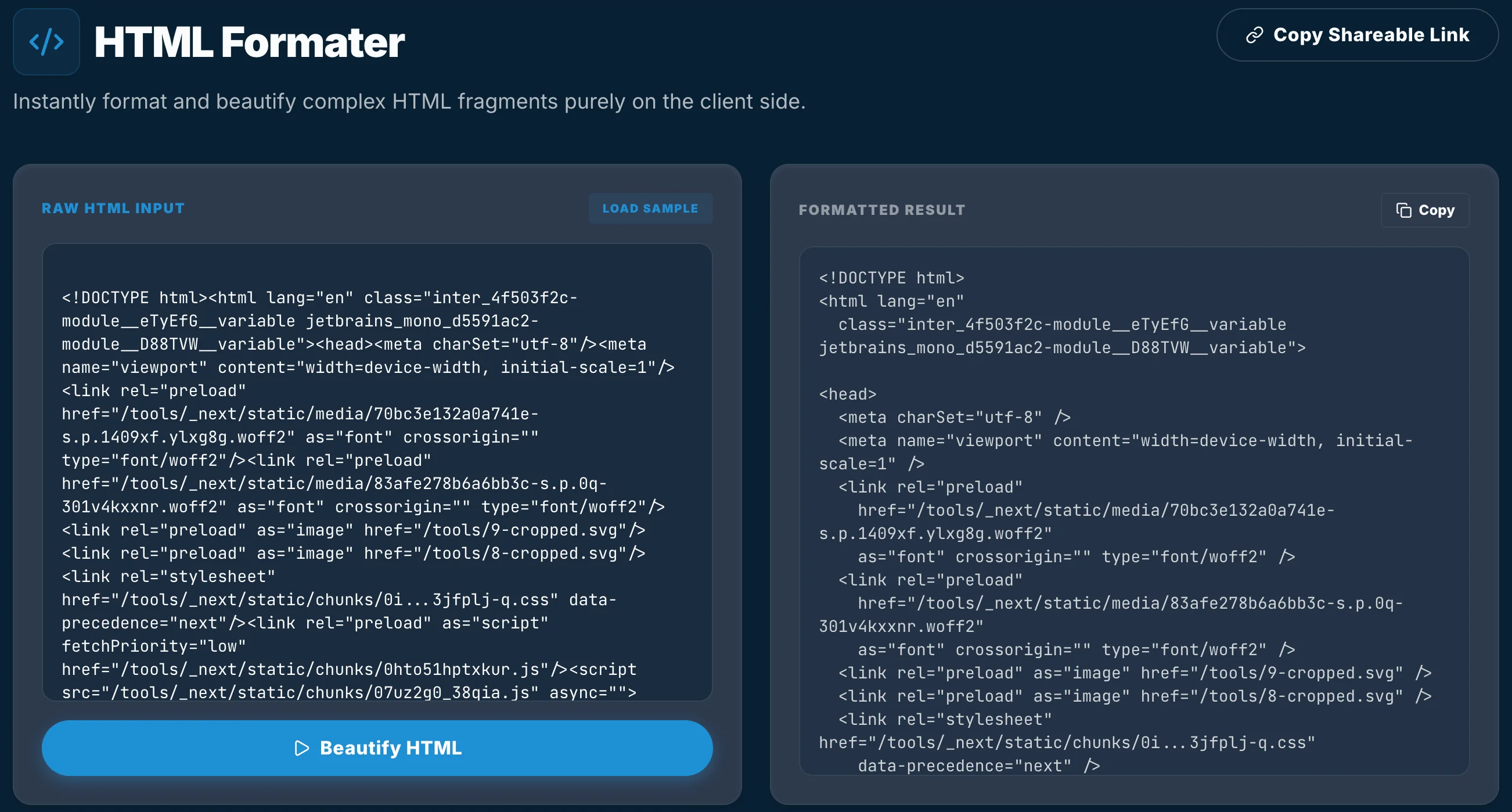
When we set out to build the TiltStack HTML Formatter, we had one non-negotiable requirement: Zero-Trust Execution. No data leaves the browser. No network round-trips. But accomplishing this requires moving past the "Regex Trap" that plagues most lightweight utilities.
The Context-Free Grammar Problem
If you’ve spent any time on Stack Overflow, you’ve likely seen the legendary 2009 post warning that "You cannot parse HTML with Regular Expressions." While it’s often cited as a meme, the technical reality is absolute: HTML is a context-free grammar. Regular expressions are for regular languages.
When a formatter uses regex, it is effectively guessing. It tries to identify tags like <div> using patterns that break the moment they encounter a < inside a JavaScript string, a > inside a CSS selector, or a malformed attribute. For a 2KB snippet, regex might feel "fast enough." For a 2MB production landing page, regex will either blow up the call stack or return a corrupted mess.
Leveraging the Native C++ Engine
Instead of writing yet another brittle parser, we decided to leverage the most optimized, battle-tested HTML parsing engine in existence: The one you are currently using to read this.
Modern browsers (Blink, WebKit, Gecko) are marvels of C++ engineering. They already have a native, low-level parser designed to take messy, malformed strings and turn them into a pristine Abstract Syntax Tree (AST). By using the DOMParser API, we offload the heavy lifting to the browser’s native layer.
// The secure entry point
const parser = new DOMParser();
const sterileDoc = parser.parseFromString(rawInput, 'text/html');
This bypasses the JS main thread for the initial parse. DOMParser handles the edge cases—CDATAs, script tags, nested self-closing elements—with perfect accuracy because it is the engine.
Deterministic Traversal with TreeWalker
Once the browser has compiled the string into a Document fragment, we need a way to traverse it to apply our indentation and formatting rules. Iterating through childNodes recursively is a common mistake; it’s slow and prone to recursion limits on deeply nested enterprise UIs.
In the DevSuite, we utilize the TreeWalker API. This is a low-level traversal interface that allows us to sequentially step through every node in the tree without recursion.
const walker = document.createTreeWalker(
  sterileDoc.body,
  NodeFilter.SHOW_ELEMENT | NodeFilter.SHOW_TEXT | NodeFilter.SHOW_COMMENT
);

let node = walker.nextNode();
while (node) {
  // Apply deterministic indentation based on depth
  // Extract attributes and escape entities
  node = walker.nextNode();
}
By calculating the depth of each node in the walker's path, we can apply indentation that is mathematically guaranteed to be correct. We don't need to "search" for brackets; we are simply looking at the browser's own internal representation of the tree.
Why This Matters for Your Security Posture
By moving the formatting logic into the client's local execution context, we eliminate a massive attack vector.
- No Data Transit: Your markup never touches a network packet.
- Deterministic Output: Since we use the native DOM, we guarantee that the formatted result is semantically identical to how a browser will render it.
- Performance: Sub-millisecond execution for payloads up to 5MB, as we aren't fighting the overhead of a virtualized JS AST parser like Prettier.
At TiltStack, we believe tools should be as private as your terminal. Stop sending your code to someone else's server just to add two spaces.