Engineering Lab Note: Secure Document Rendering with PDF.js and Canvas | TiltStack

Engineering Lab Note #02: Zero-Trust Document Rendering
I spent six years working on Android system internals before moving into the web, and if there's one thing I've learned, it's that human beings are dangerously cavalier about "PDF converters." When someone needs to turn a PDF contract or a bank statement into a PNG for a presentation, they often grab the first Google result they find and blindly upload their file to a third-party server.
From a security standpoint, this is a "level-five" disaster. That document—which might contain PII, financial info, or proprietary legal language—is now sitting in someone else's S3 bucket, likely being logged, and potentially being used to train a model.
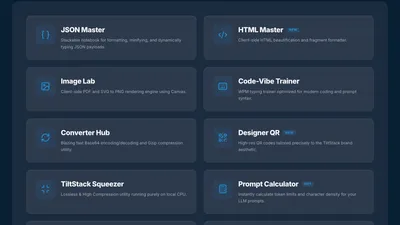
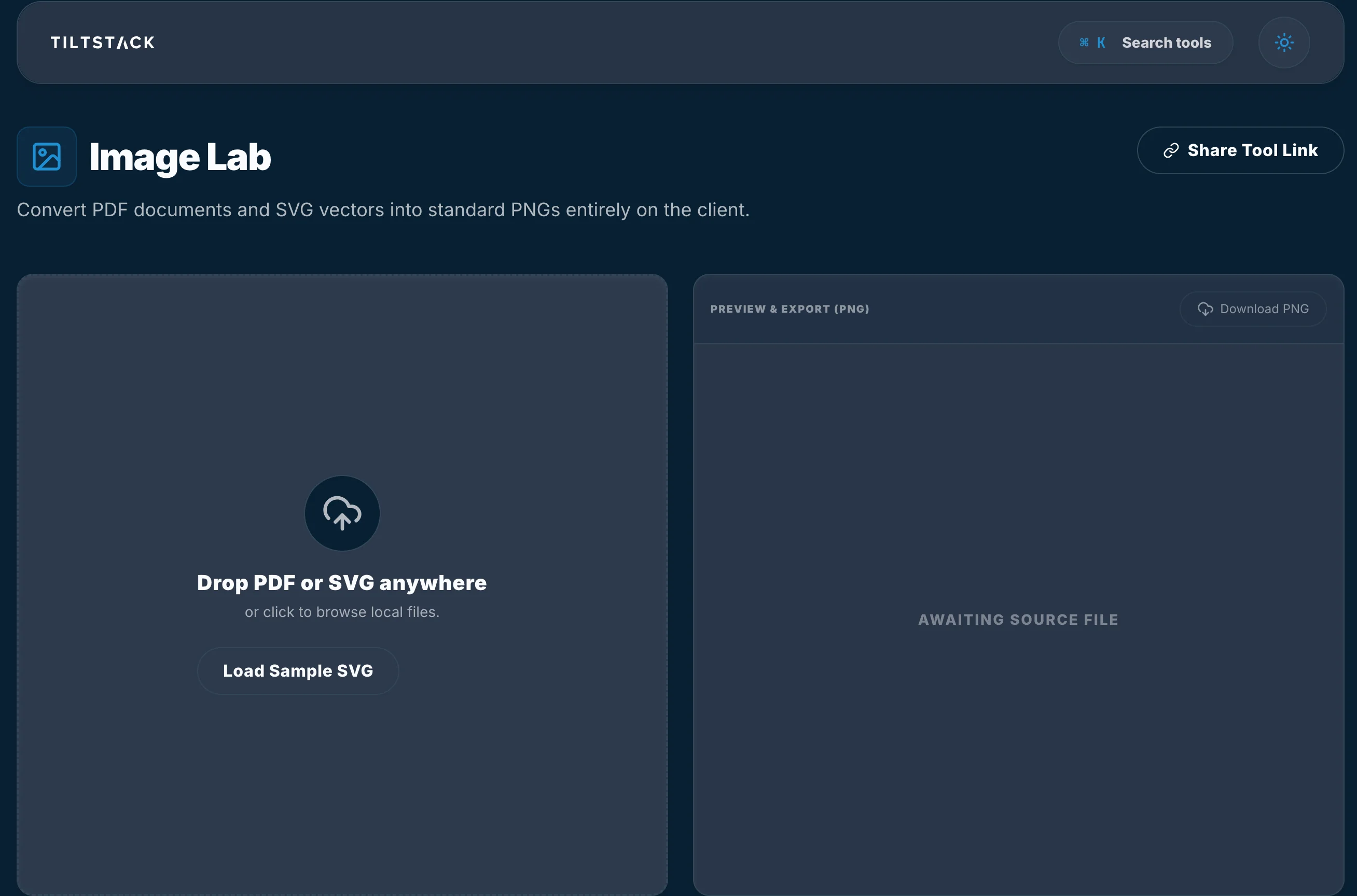
When we built the TiltStack Image Lab, we decided to solve this by moving the entire rendering pipeline into the browser. No upload. No server. No trust required.
The Problem with PDF Rendering
PDFs are not images; they are complex instruction sets for a printer. A single PDF page can contain hundreds of vector paths, embedded fonts, and layered bitmaps. Most "online converters" are just a fancy web UI wrapped around a backend service running ImageMagick or Ghostscript on a Linux server.
To do this on the client, you need a way to interpret the PDF's PostScript-like instructions and "draw" them onto a digital surface. This is where PDF.js and the Canvas API come in.
The Rendering Pipeline: Instruction to Pixel
For the DevSuite, we use a customized build of PDF.js, the same engine that powers Firefox's built-in PDF viewer. It’s a massive library, but for a good reason: it has to map complex PDF instructions to JavaScript calls.
The process looks like this:
- The Binary Handshake: The user selects a file locally. Instead of an upload, we read the file into a
Uint8Array. - The Worker Thread: We spin up a Web Worker (via
PDF.js) to parse the binary data off the main thread. This ensures the UI doesn't freeze while the browser is decoding 100MB of vector data. - The Canvas Linkage: Once the page is parsed, we don't return an image—we return a "rendering task" that maps to an
OffscreenCanvas.
// The local-first rendering loop
const loadingTask = pdfjsLib.getDocument({ data: pdfBuffer });
const pdf = await loadingTask.promise;

// Select the page and get the scale
const page = await pdf.getPage(1);
const viewport = page.getViewport({ scale: 2.0 }); // High-DPI target

// Prepare the canvas context
const canvas = document.createElement('canvas');
const context = canvas.getContext('2d');
canvas.height = viewport.height;
canvas.width = viewport.width;

// Perform the render locally
const renderContext = {
  canvasContext: context,
  viewport: viewport
};
await page.render(renderContext).promise;
Challenges in Low-Level Rendering
The biggest hurdle we faced in the Image Lab was font rendering and DPI. Native PDF engines on your desktop have access to the system's font library. Browser-based engines don't. We have to bundle a custom "CMap" and font-map library to handle proprietary fonts that aren't installed on the user's machine.
DPI is another friction point. By default, a PDF renders at 72 DPI. Converting that to a PNG usually results in a blurry mess. We solved this by implementing a dynamic scaling factor based on the target canvas size, allowing the user to export at 2x or 3x resolution by recalculating the viewport before the page.render() call.
The Security Moat
Because the "Image Lab" runs entirely in your local execution context, your documents stay exactly where they belong: on your machine.
- Zero Network Interaction: You can literally turn off your Wi-Fi after the page loads, and the converter will still work.
- Temporary State: We don't use a database. The moment you refresh the page, the
Uint8Arrayis dropped from memory. - No Trace: There are no server-side logs, no session recordings, and no hidden file storage.
Stop compromising your data for a simple file conversion. The modern web is powerful enough to handle your heavy-lifting locally.